Everything a training file needs
Scoring, signatures, student files, state rules and reports, built by a training provider that uses them every day.
 1 to 5 on every item
01 · Scoring and the clock
Scoring and the clock
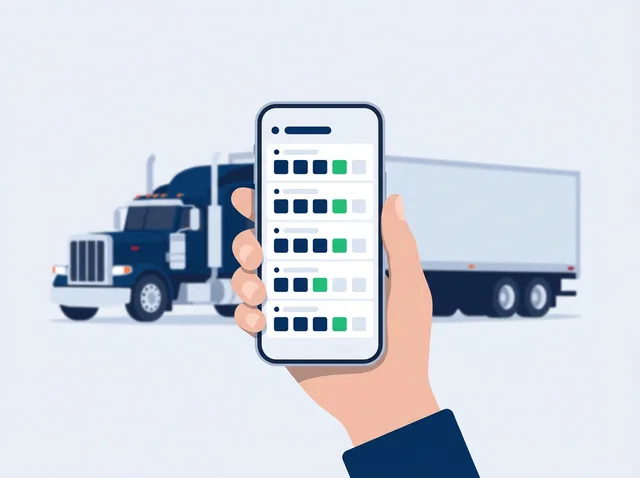
Every skill and every minute, right from the phone in your hand.
- Score on a phone
Every skill on your score sheet, 1 to 5, with running averages per item, per section and overall.
- Stop clock in every section
Start and stop beside each section's minutes. The record lists the start and end times; the trainer can correct the minutes.
- Range test preparation
Practice runs of the four basic control skills exercises, counted like the state CDL manuals describe, with the instructor's grade.
- Works without signal
Scores wait on the phone and send themselves when the signal comes back.
 Appendices A and B
02 · Sign-offs and signatures
Sign-offs and signatures
Proof that the training happened, and who taught it.
- Federal behind-the-wheel elements
For CDL training, the elements of 49 CFR Part 380, Appendices A and B, with a proficiency sign-off for each.
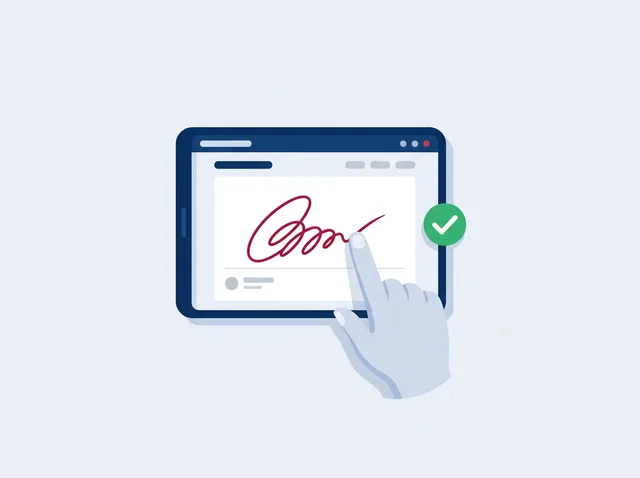
- Student and trainer signatures
Both sign on the screen. A student can sign any saved session later from their own login.
- Substitute trainers
Each session keeps the trainer who actually taught it.
- Ready Check
See which required elements are done and which are left before the skills test.
 Students sign in too
03 · Students and documents
Students and documents
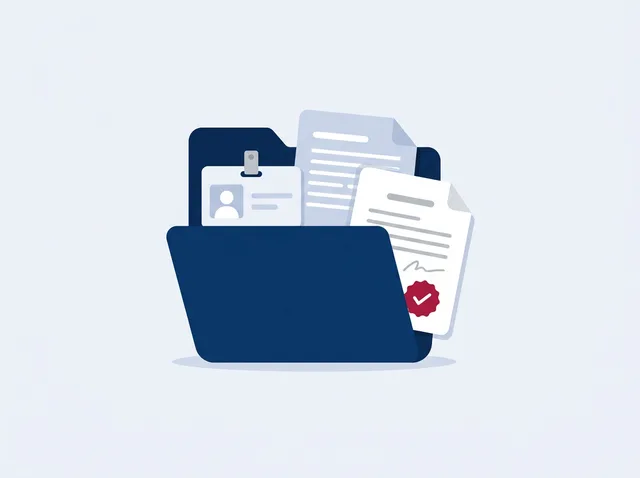
One complete file for every student, from enrollment to the skills test.
- Student files
Contact details, permit and license, medical card, emergency contact and guardian.
- Enrollment and documents
Agreements, permits, licenses and photos in the student's file; students can upload their own.
- Student logins
Students see their own scores and sessions; invite them by email or give them a PIN.
- Skills test appointments
Date, site and test vehicle, with warnings when a permit would expire first.
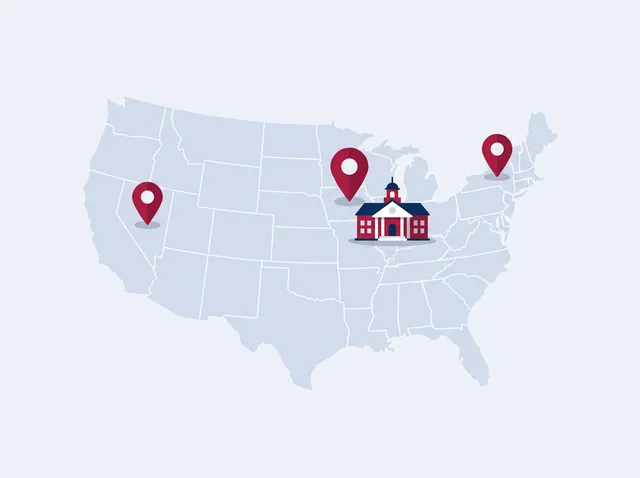 50 states and DC
04 · Office and compliance
Office and compliance
Know what is due, what is missing and what each state requires.
- State rules by location
Each classroom and range shows its state's driver training rules, with official sources.
- Trainer files
Licenses, endorsements, medical cards and experience, with expiry reminders.
- Day Board
Today's lessons, trainers and vehicles, and booking the next lesson.
- Email reminders
A summary of expiring credentials and permits, unsigned sessions and the week's lessons.
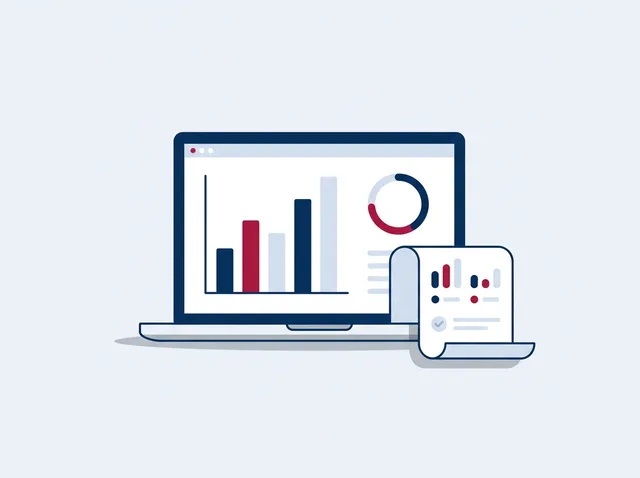 Daily PDF report
05 · Reports
Reports
Hand an auditor, a student or the state exactly what they ask for.
- Daily progress report
A one-day PDF for each student: minutes, scores, clock times, test preparation and signatures.
- Audit binder
Everything in a student's file, ready to print for an auditor.
- Spreadsheet export
Every score, minute, trainer and signature status in one download.
- Certificates
Completion certificates and road test certificates from your records.
 Any vehicle you train on
06 · Your school, your way
Your school, your way
Your score sheets, your colors, your people.
- Your own score sheets
Start from Class A and Class B sheets or build your own for any vehicle.
- Your colors and logo
Each school gets its own link, look and logo.
- Roles
Admins set up the school; instructors score; office staff never show as a trainer.
- Moodle connector
Bring in theory scores, completion dates and quiz results, read-only.
Questions
Frequently asked questions
Does ELDT Systems run on a phone?
Yes. It runs in the browser on any phone, tablet or computer, and can be added to the home screen like an app.
Is there software to install?
No. Each school gets its own link; trainers and students sign in with a username and PIN.